Locating the STServer.ini
Locating the STServer.ini to configure our server
STServer.ini to configure our serverNow that our server is shut down and we've created the inbound firewall rules, we can look at the STServer.ini config file, which allows us to configure a few parameters.
Using ModOrganizer2
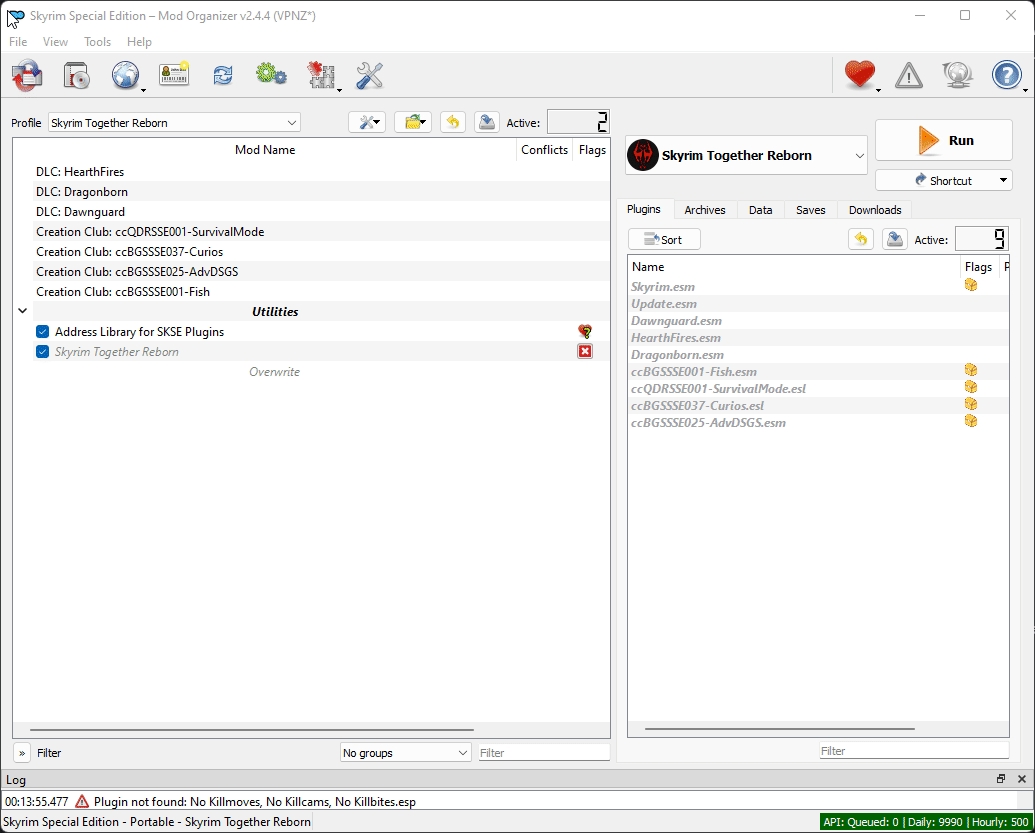
Open MO2
Find the mod
Skyrim Together RebornRight-click it, and select
Open in Explorer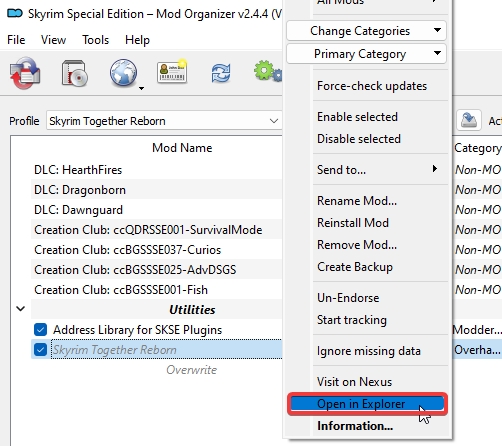
Inside there, select the folder named
Skyrim Together RebornNow find the folder named
configand enter it.Inside there will be the config file named
STServer.iniOpen that with a text-editor of your choice. In my case I'll use good ol'
Notepad++.
Using Vortex Mod Manager
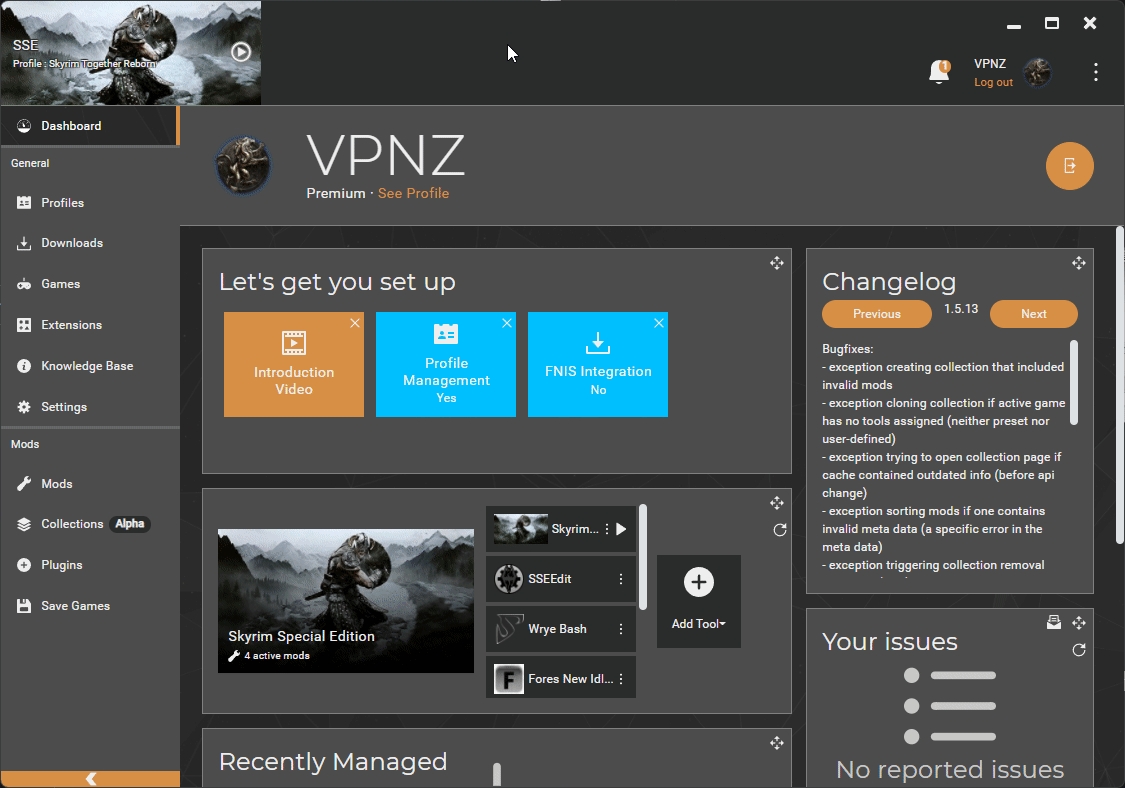
Open Vortex
Go to the
ModsmenuMake sure
Skyrim Together Rebornis installed andEnabledPress
Windows Key + Rand enter this path in theRunwindow:C:\Program Files (x86)\Steam\steamapps\common\Skyrim Special Edition\Data\SkyrimTogetherRebornIn that folder, open the
configfolderIn there will be the
STServer.inifileOpen that with a text-editor of your choice. In my case I'll use good ol'
Notepad++.
Onwards to the next step!
Last updated
Was this helpful?